I made the post below, went out with Tobie to do laundry, and came back to an apparently dead laptop. I have no reason to believe that the battery is dead and anyway it’s always plugged in.
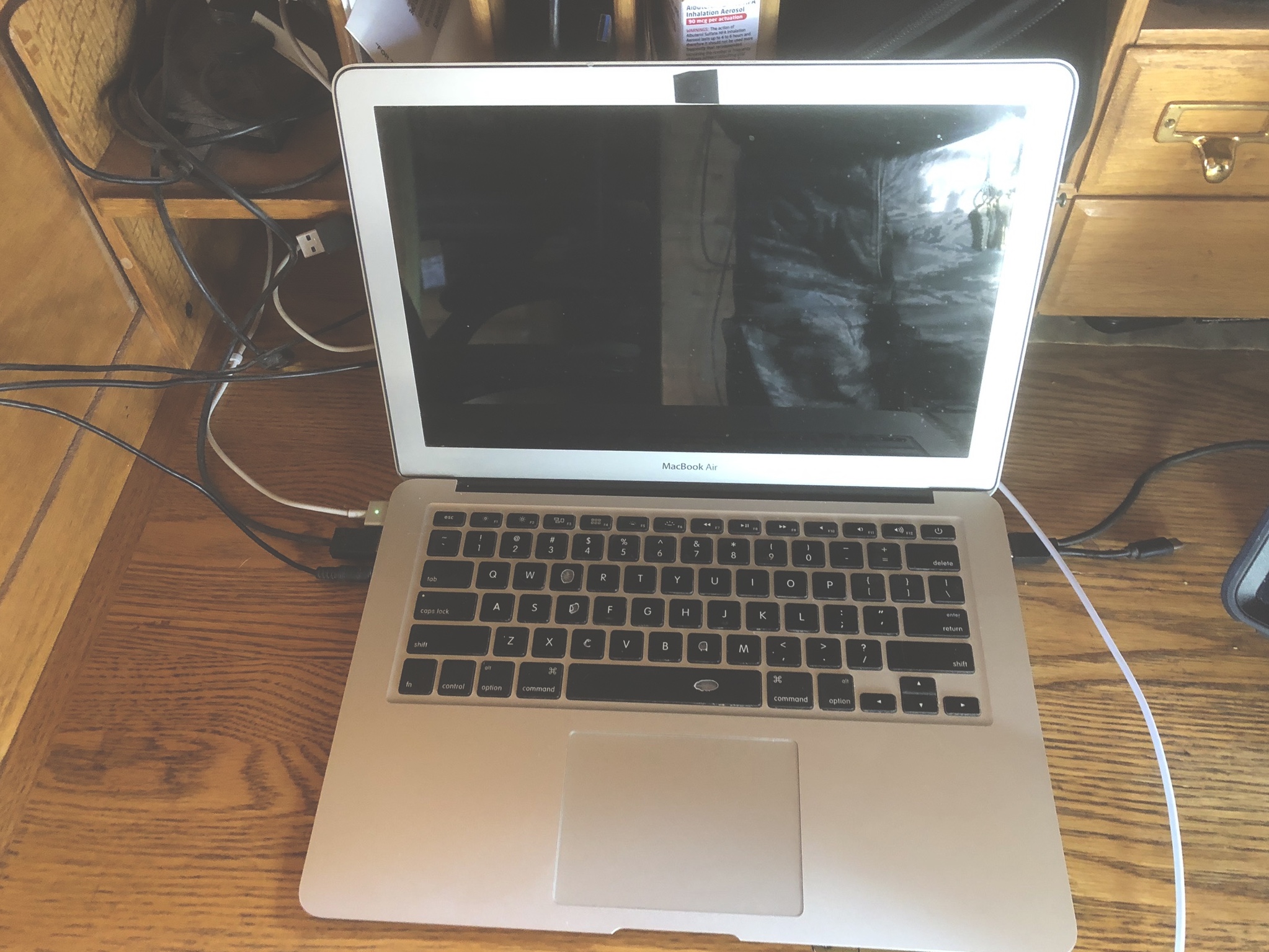
I have a perfectly good tablet as a plan B and to be honest I’ve been thinking of replacing the MacBook anyway because the keyboard is worn out. I’m just so very happy that I sent Ian his manuscript yesterday afternoon and didn’t sit on it until today because now it’s inside this apparently dead laptop.
By the way speaking of editing I’m thumbing this post out on my phone so any typos are staying in.
PS: I hopelessly hit the power button again and it turned right on. No idea why it turned off in the first place, though. I think it’s time to retire the old girl.















Looks like my 2012 Macbook pro, still running strong, tho the OS is wildly out of date.
Always try to have it backed up in case of things like this. I have experience on what happens if you dont.
If it was purchased ‘refurbished’ 7 years ago, there’s a really good probability that the battery is in poor enough condition to cause this — on the MacBook Air my understanding is that it needs a minimum state of charge even when the computer is plugged in in order for the system to boot.
A common suggestion is to “try an SMC reset” (system management controller), which basically involves doing a full shut-down, and then in the startup sequence holding down a bunch of specific keys for 10 seconds. There’s something about my brain that requires me to write down specific instructions, as I always get partway through and forget the next step. But doing that may get you more time with normal reliability and greater time until the next “Oh No!”.
The other common suggestion is to do a battery calibration, after which you’ll get better warning that you need to save, shut-down, and let it charge for a while. I find it odd that the “air” charger I’ve been using sometimes doesn’t provide enough power for the computer itself, so the thing is depleting the battery even when plugged in, but that’s the nature of running DSP to fix pictures, audio, and video on lightweight laptops . . .
I’ve had this happen on an older laptop. It turned out to be a power savings setting issue. So, before you do anything, check the power settings.
If you do retire the laptop, pull the hard drive and put that in a case. Then you can use the old drive as storage and back up all your old files.
I bought a new ASUS laptop last December and was happy with it. In October was checking emails while doing a load of laundry. Heart attack happened and I spent the next 4 days in the hospital. Laptop stayed on and drained the battery. Would not work so took it to a local shop who said it can’t be fixed. Dealing with ASUS people over the phone sucks. Wish I knew more about computers.
Oh! Marvelous serendipity. I have a couple of older Panasonic Toughbooks on hand, formerly installed in Police cruisers. Old, slow and utterly indestructible. Let me know if you reach an impasse on a cheap solution and I will send you one.
Hey Joel, you probably need to update the old BIOS on the laptop. Since you are running Linux, I don’t know how you would do that.
@Bill, unless you changed the timeout settings, your computer should have automatically shut down when the battery reached 10%. If you didn’t change this setting, and the laptop ran until the battery died, it should be under warranty. As for the shop that told you it can’t be fixed, find another shop because these guys are trying to sell you a new laptop. Worst case, they open up the laptop and replace the dead battery. Depending upon the model, these batteries are between $30 and $50. The labour shouldn’t be more than a half hour. If you can wield a small screwdriver, you could so this yourself.
Anonymous, appreciate it. Makes me think positive about the situation.